


Audio
Performance

120W output with a built-in subwoofer, delivering best-in-class volume, crystal-clear sound, and immersive audio technology.
Adaptive
& Power Management

Adaptive Dynamic Voltage ensures optimized performance at any listening level, maintaining clarity and depth at any volume.
4-Channel Input

Designed for seamless multi-source audio integration, making it the perfect choice for performances, parties, presentations, and creative sessions.
Form That Speaks

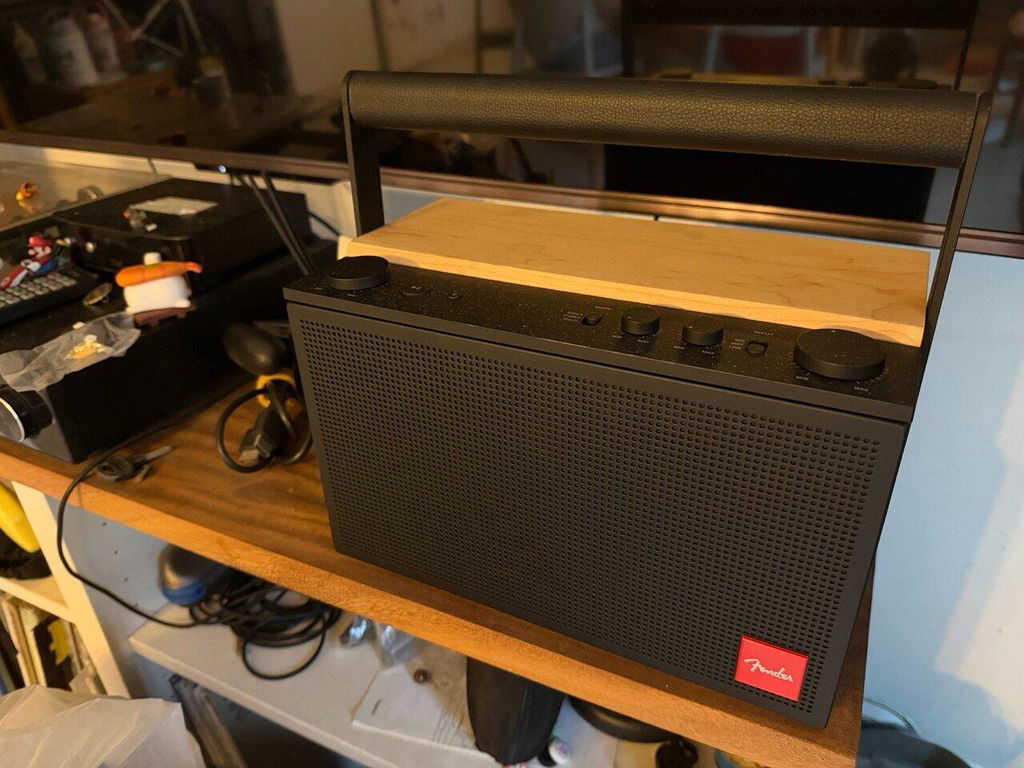
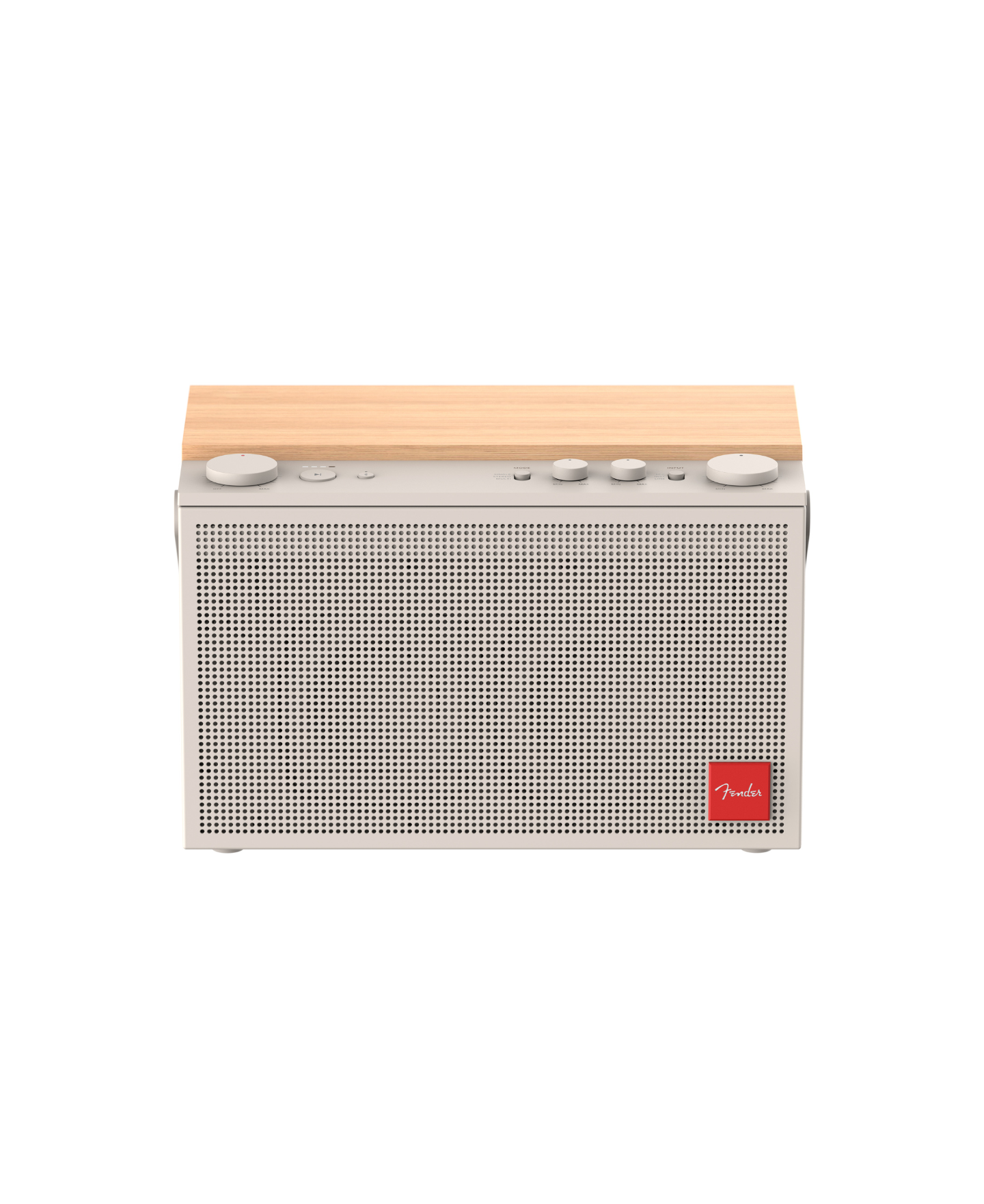
The minimalist design of the ELIE™ speakers is sleek and monolithic, creating a sculptural silhouette that looks as pure as it sounds.

Connectivity & Modes
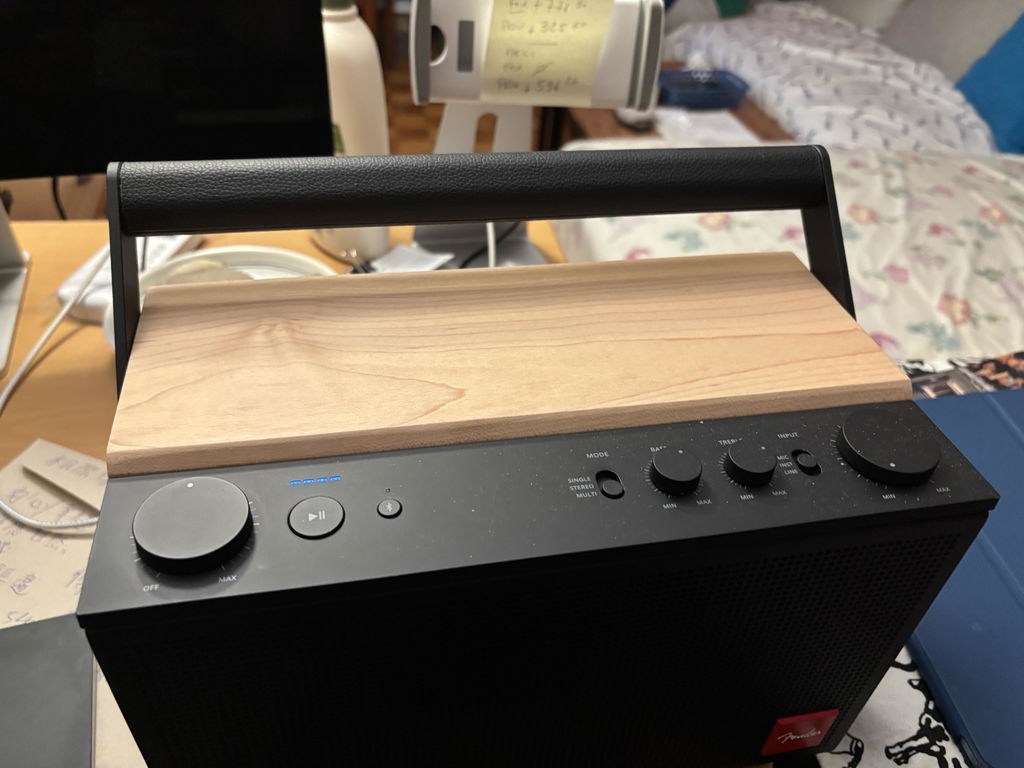
Wired & Wireless Inputs: Bluetooth®, XLR-1/4” combo, and 2 dedicated low latency wireless channels

Smart Battery Management & Intuitive Controls
Smart Battery Management & Intuitive Controls
Long-lasting 15-hours battery with an LED indicator and multi-stage power monitoring
Quick charge capability: 15 minutes of charging delivers up to 2 hours of playtime
Reverse charging: USB-C®, 12V
Accessories: USB-C® charging cable included

Technical
Specifications

ELIE™ 12
Demo Video
FAQs
Turn the volume knob clockwise to power on. Turn it back to the minimum position to power off.
Hold the Bluetooth® button until the LED starts blinking.On your device, select “ELIE™ 6” (or ELIE™ 12) from the available Bluetooth® list. Once paired, the LED will stay solid.
4 LEDs lit = Full battery, Flashing LEDs = Low battery – charge soon via USB-C®.
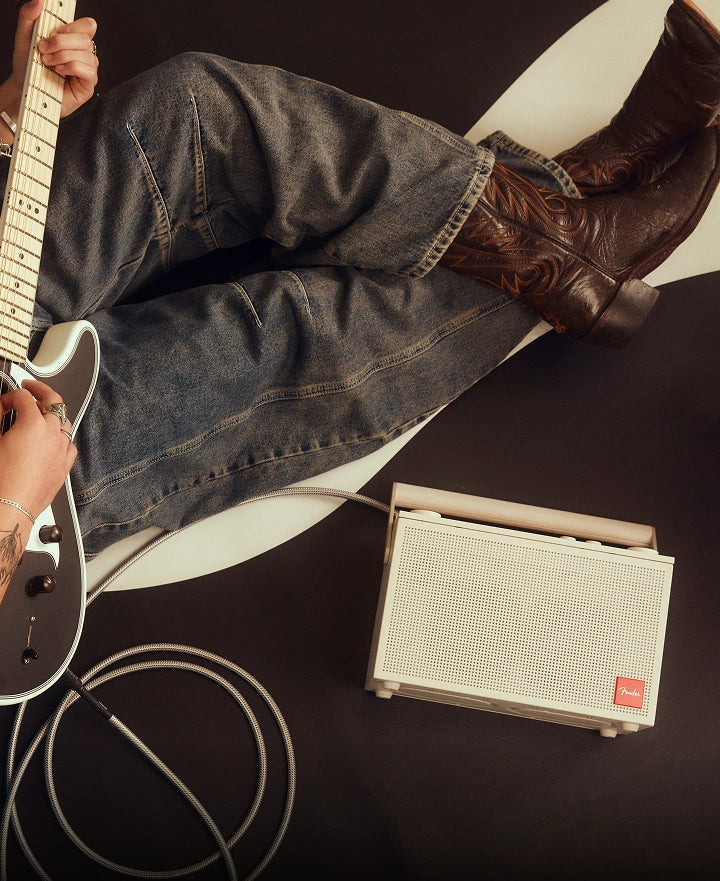
Yes! Use the combo jack to connect a mic, line-level source, or instrument. For condenser mics, press the 48V phantom power button. Use the PAD button to reduce hot input signals by -14dB.
Slide the switch to Stereo Mode to pair with another ELIE™ speaker for left/right channel sound. Multi Mode enables linking multiple ELIE™ speakers for a group playback experience.
Use the USB-C® port to charge the speaker.
Yes. Use the 3.5mm line-out jack to connect to an output device such as video camera and action camera.
For the best performance, we recommend charging ELIE 12 with a USB power adapter rated 30W or higher. When using a 10–35W adapter, the speaker may limit playback to approximately 70% of its maximum volume while charging. This limitation helps protect battery health and ensures stable performance during use.
The ELIE 12 Speaker and your connected device have separate volume controls. Your phone controls the audio signal, while the speaker’s volume knob controls its output level. Think of it like a guitar and amplifier, both have independent volume controls, and both affect the final loudness. If you want to control the overall volume from your phone/connected device, set the speaker volume to max after turning it on. Please note that perceived loudness can also vary depending on the audio source, music track, listening environment, and connected device.